Working with AI
When a Cloudflare Worker Beats Zapier or Make
A client's learner progress lived in Thinkific, the operational records in Airtable, and keeping them in step was a manual job. Zapier or Make would be most people's answer. Here is why a small Cloudflare Worker was the better tool for this particular job, and how a non-developer can build one.
16 Jun 2026 · 6 min read · By Sophie Kazandjian
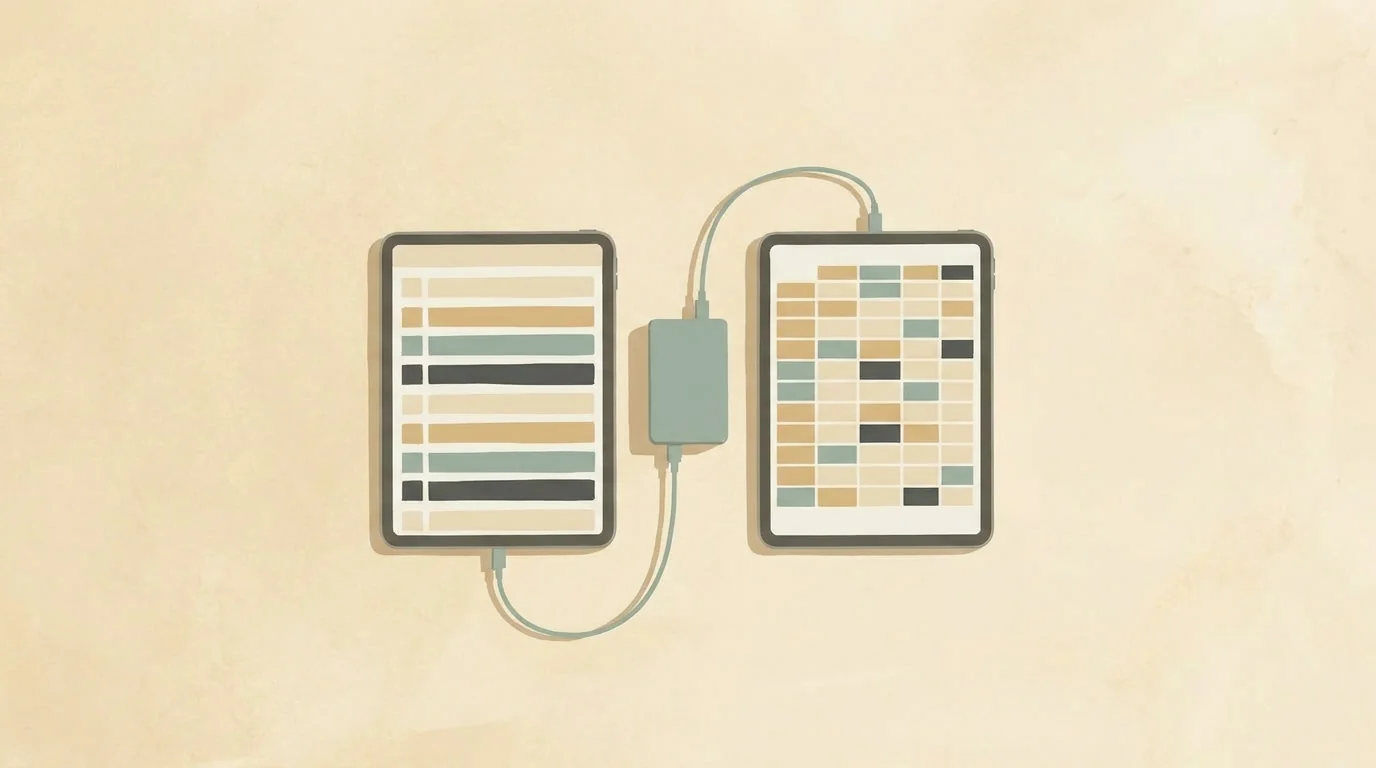
Most of the time, Zapier or Make is the right answer. This is about the kind of job where owning the code turns out cheaper and easier to trust.
One of my clients runs a cohort-based online course. The teaching lives in Thinkific. Everything operational, who's enrolled, who attended which session, who still needs chasing, lives in Airtable. Each system held half of the same picture, and joining them up was a manual job that landed on me.
Every few weeks I exported a progress report from Thinkific, opened it beside the Airtable records, and reconciled the two by hand. I marked who had finished a module online, flagged anyone who had never logged in, and noted the date I last checked. It worked. It was also slow, easy to get wrong at the edges, and something I had to redo from scratch every time.
What I wanted was for the two systems to talk to each other directly. Read progress from Thinkific, update Airtable on a schedule, in the background, with no possibility of the integration ever changing anything inside Thinkific itself.
Why I didn't reach for Zapier or Make
If you automate things for a living, or even just for your own business, your first instinct here is probably a flow in Zapier or Make. Mine usually is too. They connect thousands of apps, the setup is visual, and for most "when this happens, send that there" jobs they are hard to beat. When the reason to leave is data residency rather than the shape of the job, the answer is usually another visual builder, and I have written separately about leaving Zapier without leaving the EU. This piece is about a different reason: the job itself.
This one pushed back on the visual-builder model in four ways, and any of them might be familiar if you have run automations at any volume.
The data didn't arrive in a tidy field. Thinkific's API hands you one overall completion percentage per learner, not a figure per module. To know that someone had finished module three specifically, I had to catch every "lesson completed" event and add them up myself, lesson by lesson, until a full module's worth had come in. That is stateful work. It needs somewhere to remember what it has already seen, and no-code tools get awkward the moment you need memory that persists between events.
Then there were the rules. A module only counts as caught up online if the person missed it live, and a genuine live attendance must never be overwritten by an automated process. Expressing that sort of "only if, and never that" condition across a chain of visual blocks gets fragile fast, and fragile logic touching attendance records is the kind of thing that goes wrong quietly.
The cost model also pointed the wrong way. Zapier bills per task, Make bills per operation, and in both a multi-step flow spends one for every step it runs. Every learner finishing every lesson would fire a flow, and each of those flows would spend several tasks doing its conditional checks. Across active cohorts that climbs into a real monthly bill for something that should sit close to free.
The last reason was control. I needed the integration read-only towards the source data, scoped to exactly one Airtable base, with credentials I held and a record of everything it changed. That is far easier to promise when you wrote the code than when you are trusting a third-party flow with broad permissions. It is the same instinct that led me to run my own Cloudflare Worker for protecting digital downloads, and to build a client's dashboard on Cloudflare rather than pay for an annual add-on.
A small Cloudflare Worker covered all of it. The free tier swallows this kind of volume with room to spare, the logic lives in one file I can read and reason about, and I decide exactly what it can and cannot touch.
What you need
- A free Cloudflare account. Workers and D1, the small database that gives the Worker a memory, both sit inside the free tier. A daily sync like this stays well within the limits.
- A Thinkific account with API access and an API token. API access is gated to Thinkific's higher plans, so check yours before you start.
- An Airtable account and a personal access token, scoped to read and write the one base you want it to touch and nothing else.
- A coding partner. I don't write code. Claude in Cowork did the writing on this project: I described what I wanted in plain English, it built and explained the Worker, and we refined it together until it behaved. If you already code, you can build this directly. If you don't, an AI assistant is what makes it achievable on your own, the same way a free tool I made turned into a paid product.
- No local setup. Everything went into Cloudflare through the dashboard: paste the code, add the secrets, set the schedule. No terminal, nothing to install on your machine.
How I built it, in stages
I built this in deliberate phases so that nothing touched live records until I trusted it.
- Discovery, read-only. First I stood up a tiny Worker that only read from Thinkific and reported back what it found. It confirmed that one access token worked for both of Thinkific's APIs, and it mapped where the data I needed actually lived. This is where I learned that per-module completion only comes through the webhook, and that the course's chapter titles already encoded the module numbers, which made the mapping clean.
- A report that writes nothing. Next the Worker produced a live page showing exactly what a sync would do: who had never logged in, who had completed everything online, where each person had got to. It changed nothing in either system. I ran it alongside my manual process for a week and checked that the two agreed. That week is what earned the trust to go further.
- Listening, with a small memory. Then I had Thinkific notify the Worker every time someone completed a lesson, and stored those events in the Cloudflare database. The Worker adds them up, and when a learner has finished every lesson in a module it records that as a proposed catch-up. Still no writing to the records, only watching and working out what it would change.
- Switching on the writes. Finally, with a separate write-scoped key limited to the one Airtable base, the Worker began applying changes on a daily schedule: marking modules caught up online, flagging who has never logged in, stamping the date. It previews before it commits, it never overwrites a real live attendance, and it logs everything it touches.
The security choices that made me comfortable
A few decisions did most of the work. The integration only ever sends read requests to Thinkific, so by design it cannot change anything there. The single exception is one reversible notification subscription, which is plumbing rather than data. Every credential lives as a secret inside Cloudflare, never in the code itself. The key that can write is a separate, narrower key than the one that reads, and it can reach only the one base it needs. The URLs that expose any of this sit behind a long private key.
When this is the right call
The running cost is effectively nothing, and the logic, including the careful "only if, never that" rules, sits in one file I can read, test and change. It went live in stages, each one checked against the old manual process before the next switched on, so there was never a leap of faith. It logs what it does, so I can see what it did.
None of this makes Zapier or Make the wrong choice. For a clean field-to-field handoff between two apps, a visual flow is faster to set up and easier to hand over. The line is the logic. Once your matching rules grow past "copy this field to that field", or the automation needs to remember things between runs, or you want a security boundary you can vouch for, owned code becomes cheaper to run and easier to trust. The part that changed this year is that you no longer have to write that code yourself to get there.
FAQs
- Is a Cloudflare Worker really free for something like this?
- For a daily sync at this scale, yes. The Workers free tier covers 100,000 requests a day, and the D1 database that gives the Worker its memory sits in the free tier too. A once-a-day job that reads a few hundred learners and listens for lesson events stays a long way under those limits. The cost only appears if you push into high, continuous volume.
- Do I need to be a developer to build one?
- No. I'm not one. I described what I wanted to Claude in Cowork in plain English, it wrote and explained the Worker, and we adjusted it together until it did the job. Everything went in through the Cloudflare dashboard, so there was no terminal and nothing to install. If you can write a clear brief, you can get most of the way there with an AI coding partner and a careful, staged approach.
- When should I still use Zapier or Make instead?
- When the job is genuinely a field-to-field handoff between two of the thousands of apps they support, and you want it running in minutes. Their visual builders are quicker to set up and easier to pass to someone else. The case for owned code only gets strong once you need memory between runs, conditional "only if, never that" rules, or a security scope you can vouch for, and once per-task pricing starts compounding on complex flows.
- Can a Worker read from Thinkific without being able to change anything there?
- That was the point of the design. The integration only ever sends read requests to Thinkific, so it cannot alter anything on that side. The one write-like action is a single reversible notification subscription, which is configuration rather than data. The key that writes to Airtable is a separate, narrower credential scoped to one base.
- How does the cost compare to Zapier or Make at scale?
- Both charge by volume: Zapier per task, Make per operation, and a multi-step flow spends one for every step it runs. An automation that fires on every lesson completion and then runs several conditional checks burns several tasks each time, multiplied across every learner and every cohort. A Worker doing the same work runs inside the free tier, so the bill stays flat as the cohorts grow.